Remove Text from VideosFeels Like Magic.
Erase unwanted captions in one click. Turn caption-covered clips into clean b-roll you can plug into your content using our PixVid AI Text Remover.
Try It Now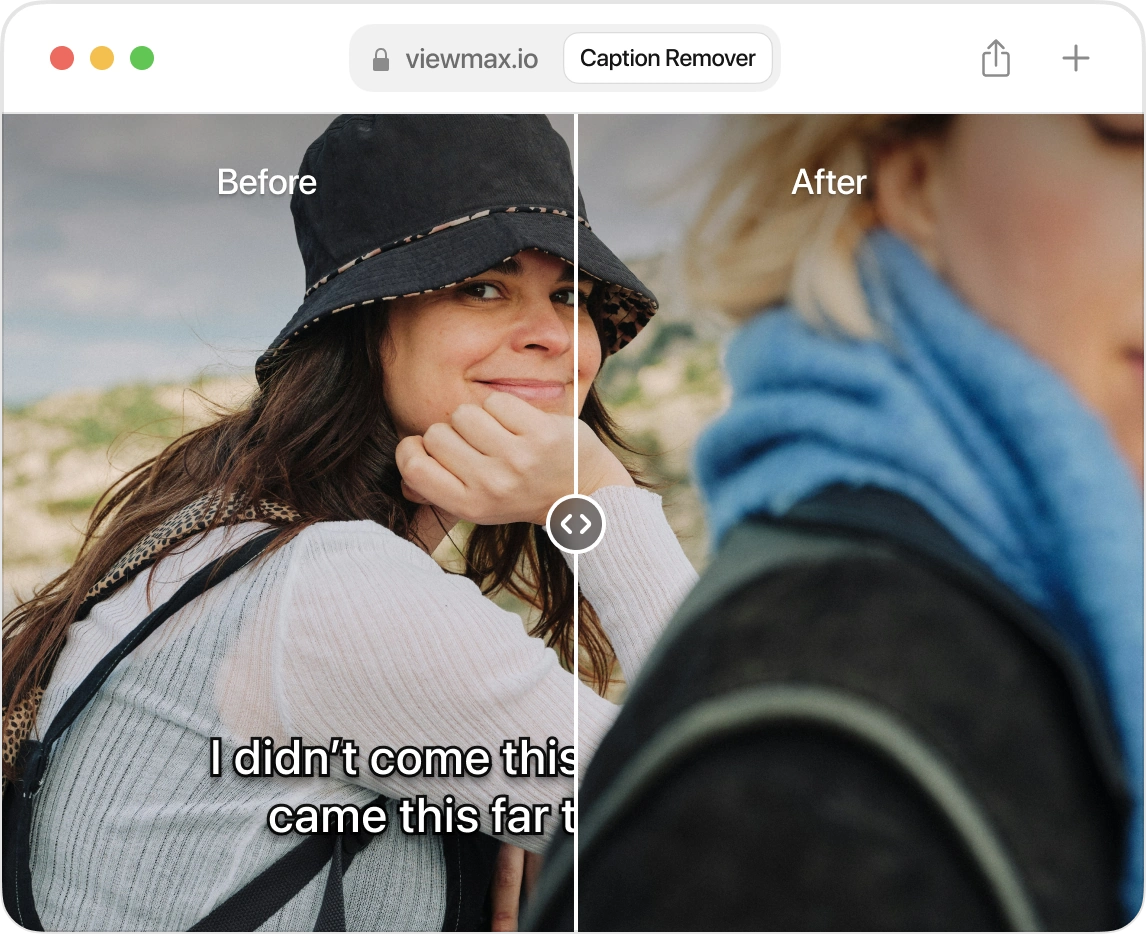
Built in Templates for the Most Viral Formats
Choose a template that already handles the script, voiceover, B-roll, and captions for you.
Clip Video
Transform long-form videos into edited short-form clips
In developmentStart from Scratch
Create your own templates from the ground up with AI voiceovers, B-roll, and captions.
Get StartedFeatures Designed to Make Great Videos.
Every part of the video — script, voice, captions, footage — handled in one place.
AI Scripting
Generate high quality scripts instantly. Just describe your idea or paste a YouTube link.
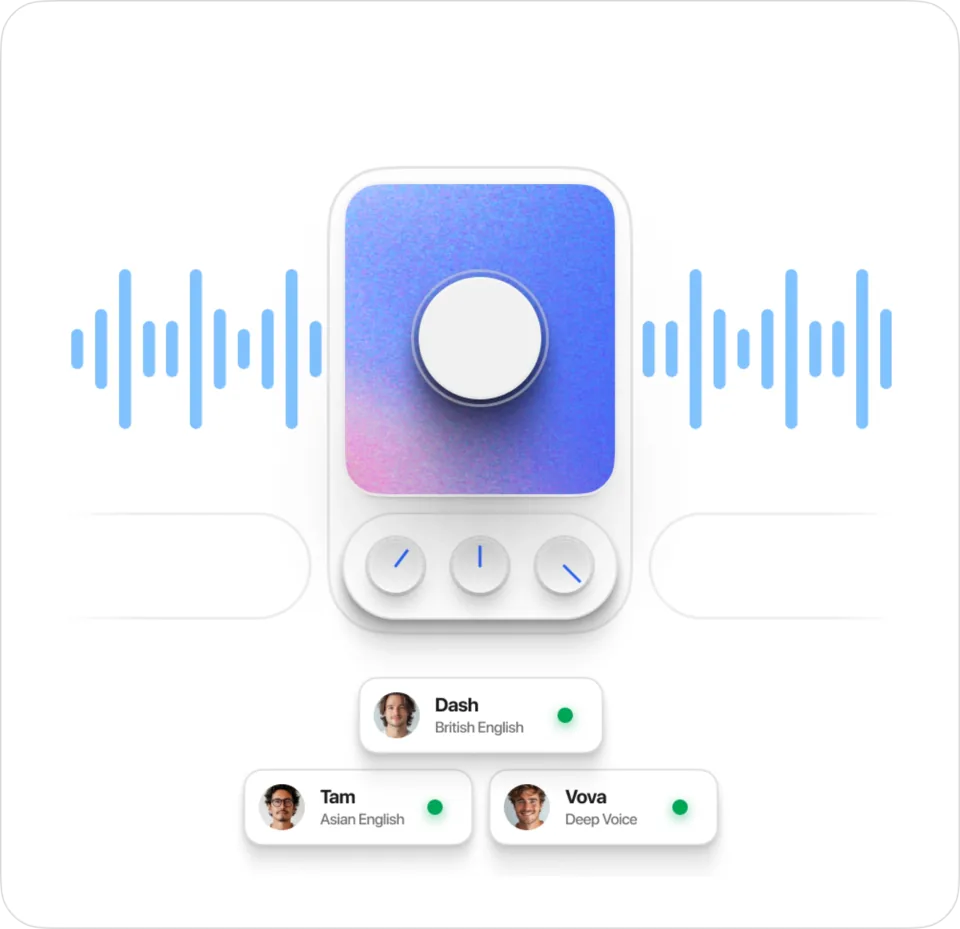
AI Voiceovers
Create professional voiceovers to your videos without hiring a voice actor.
Caption Presets
Choose from a library of caption presets that top channels use to go viral.
AI Video Generator
Generate stunning AI videos without watermarks powered by Sora 2.
Frequently Asked Questions
Everything you need to know about PixVid. Can't find the answer you're looking for? Reach out to our support team.
Can I monetize videos made with PixVid?
Yes! You can monetize videos made with PixVid without any restrictions.
How do I get started?
Sign up, pick a tool, and start creating your first project in minutes.
Can I use my own media?
Definitely! You can upload your own images, videos, and audio, or pick from our built-in media library. Plus, we've got a video downloader built right in, so grabbing videos and audio from YouTube is super easy.
Can I remix existing Youtube Shorts?
Absolutely! Remixing existing YouTube Shorts with the Voiceover template is actually one of the easiest ways for beginners to create viral content. Just remember: a great remix isn't a direct copy—it's a fresh video inspired by the original.
Are there any fees for cancelling my subscription?
No, there are no fees for cancelling your subscription. You can cancel at any time. No questions asked.
What are PixVid Credits and how do they work?
PixVid Credits are our unified currency for all features — voiceovers, scripts, AI video, captions, and exports. Use your monthly pool on whatever you need most. Credits reset every month. See full breakdown
Launch Your Channel Today!
One idea in, a finished vertical short out — script, voiceover, B-roll and captions in a single pass.
Start Creating